Imposter Mods for Minecraft2.0
Publisher Description
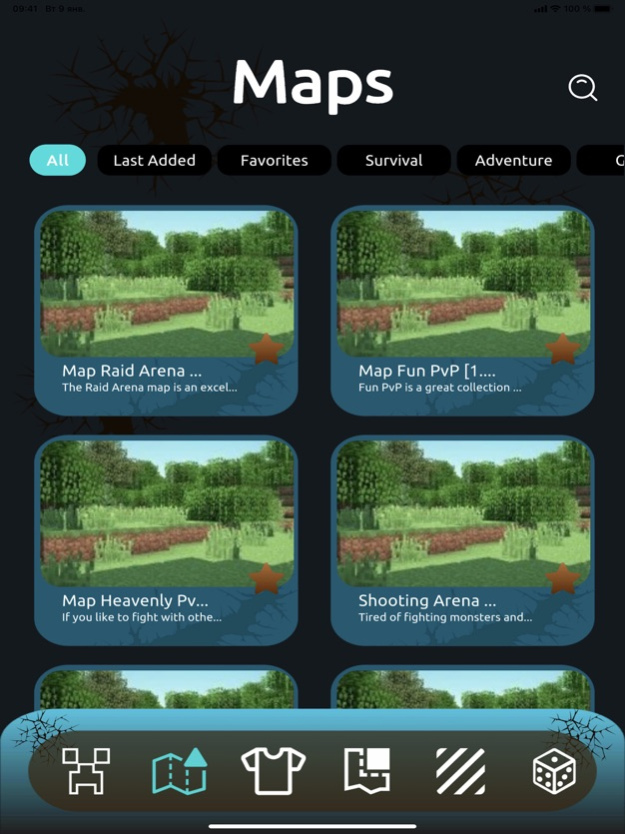
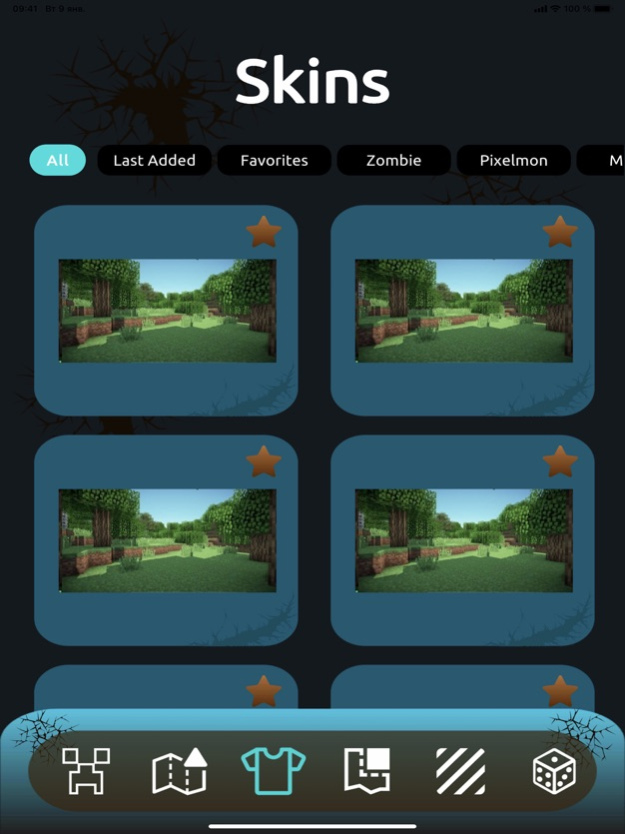


Imposter Mods for Minecraft is an app that combines your two favorite games. Here you will find a collection of mods, addons, maps and skins that will take you to the crew members and traitors.
Enjoy the gameplay, as it is improved to the maximum with new addons. Besides the basic items and maps, you will also get a huge collection of different skins, maps with different locations, mods for an unforgettable game, textures and seeds to improve the graphics of your world tenfold. And if you are faced with the problem of finding a name for your hero, the nickname generator will help you.
Features:
– Catalog of known characters
– Collection of unexplored maps
– Themed skins
– One click install
– HD graphics with shaders
– Seeds to enhance the universe several times
– Nickname generator
Imposter Mods for Minecraft DISCLAIMER: This is an unofficial Minecraft application. This application is in no way related to Mojang AB. The Minecraft name, Minecraft brand and Minecraft assets are the property of Mojang AB or their rightful owners. All rights reserved. Updated at https://www.minecraft.net/en-us/terms#terms-brand_guidelines
Aug 12, 2022
Version 2.0
Fixed small bugs and performance issues
About Imposter Mods for Minecraft
The company that develops Imposter Mods for Minecraft is Iryna Usichenko. The latest version released by its developer is 2.0.
To install Imposter Mods for Minecraft on your iOS device, just click the green Continue To App button above to start the installation process. The app is listed on our website since 2022-08-12 and was downloaded 1 times. We have already checked if the download link is safe, however for your own protection we recommend that you scan the downloaded app with your antivirus. Your antivirus may detect the Imposter Mods for Minecraft as malware if the download link is broken.
How to install Imposter Mods for Minecraft on your iOS device:
- Click on the Continue To App button on our website. This will redirect you to the App Store.
- Once the Imposter Mods for Minecraft is shown in the iTunes listing of your iOS device, you can start its download and installation. Tap on the GET button to the right of the app to start downloading it.
- If you are not logged-in the iOS appstore app, you'll be prompted for your your Apple ID and/or password.
- After Imposter Mods for Minecraft is downloaded, you'll see an INSTALL button to the right. Tap on it to start the actual installation of the iOS app.
- Once installation is finished you can tap on the OPEN button to start it. Its icon will also be added to your device home screen.
Program Details
System requirements
Download information
Pricing
Version History
version 2.0
posted on 2022-08-12
Aug 12, 2022
Version 2.0
Fixed small bugs and performance issues
